
Bed levelling
An unlevel bed causes a massive number of issues. If the printer has been moved or knocked, I would recommend doing a full recalibration. It is also a good idea to do this whenever overall quality and first‑layer issues start to appear.
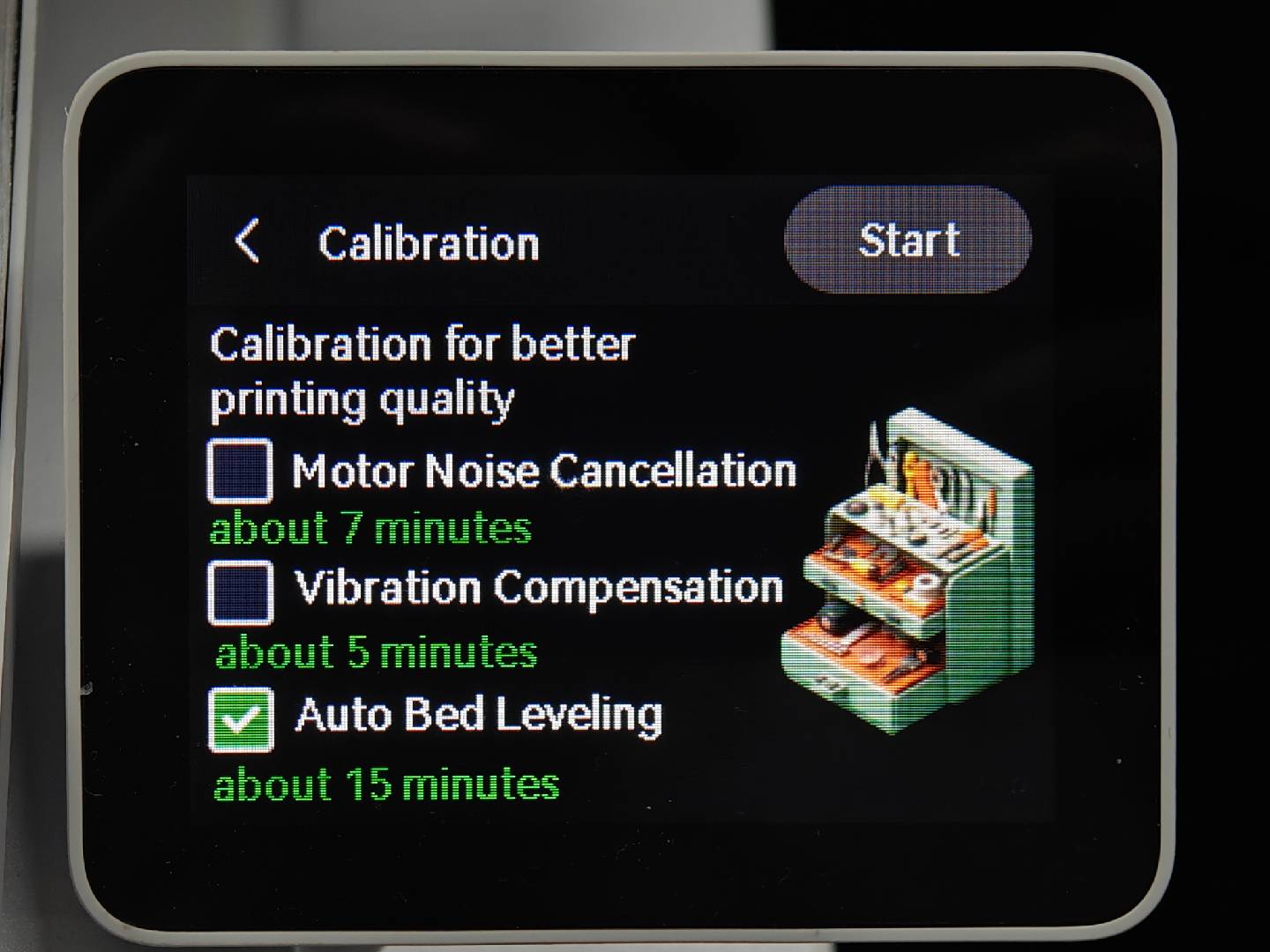
An uneven bed can show on the first layer resulting in peeling, bulging and wavy lines.
Always keep bed levelling enabled at the start of every print to ensure the area you are printing in will be level for the nozzle.
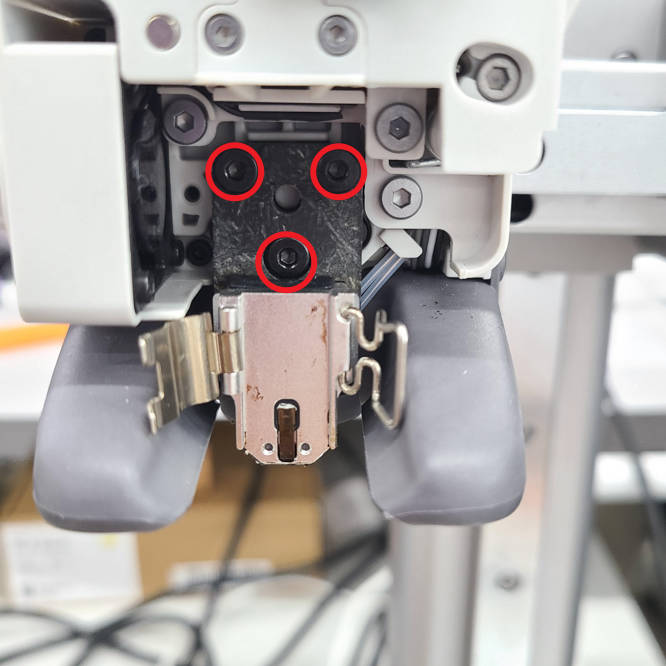
Although unlikely, it has been known that the following three screws can come loose and cause bad first layers, so if all other troubleshooting fails, check these screws behind the nozzle:
Further information can be found on the Bambu Lab wiki: https://wiki.bambulab.com/en/a1-mini/troubleshooting/print-issues-troubleshooting
Below is a handy poster from the r/3DPrinting wiki, showing the types of issues caused by poor bed levelling:
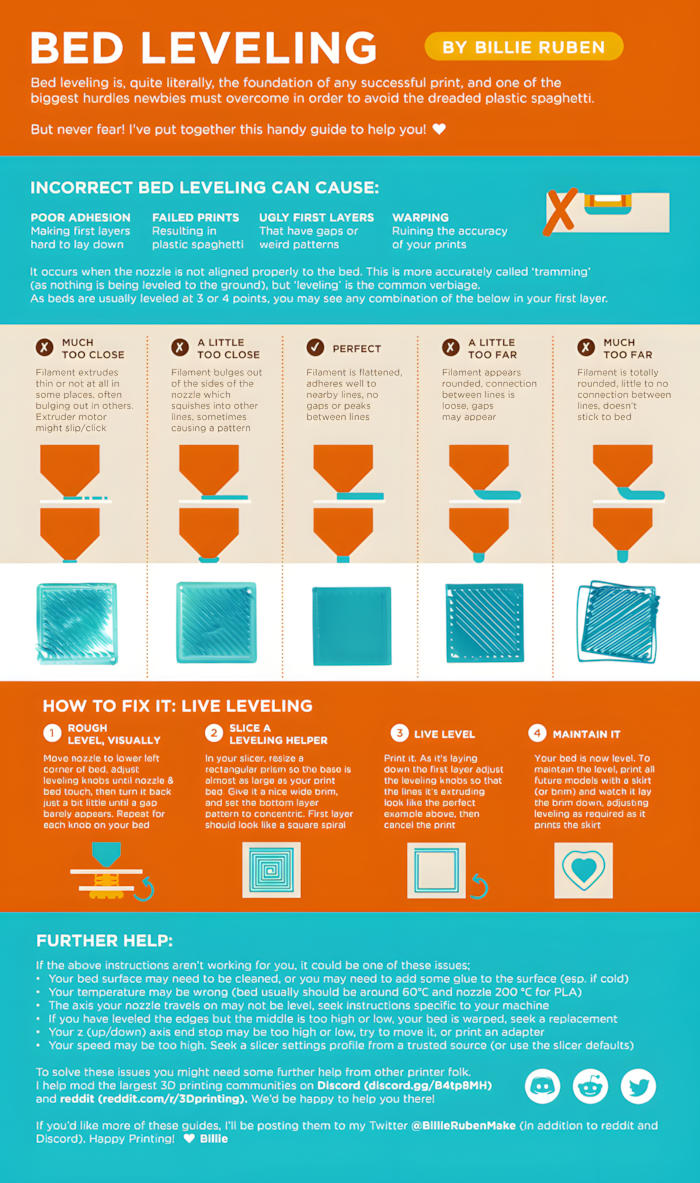
I have found this subreddit to be a very helpful source of information when coming across an unknown issue with the printer or a print.