
Print by Object
This is a setting I use in almost every project of mine. By default, the printer will print the entire plate layer by layer. However, with the AMS, we can switch materials automatically and some new options are available outside just multicolour.
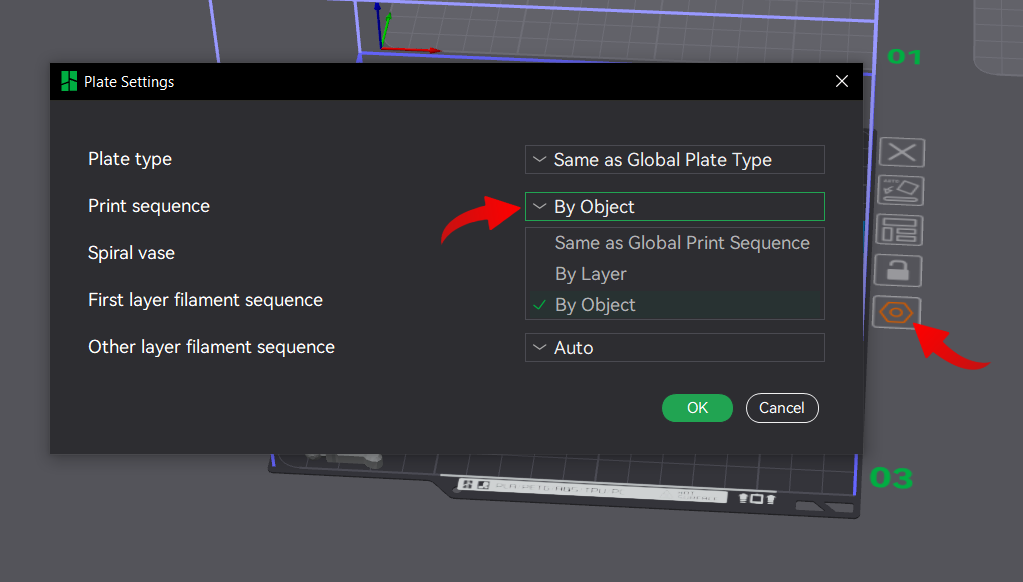
With Print by Object, we can tell the printer to print one object completely before moving to another object on the same plate. With an AMS, the printer can swap filament between objects, allowing us to print multiple objects of different colours without extra filament poop.
Previously, this is how the separate plates would be printed:
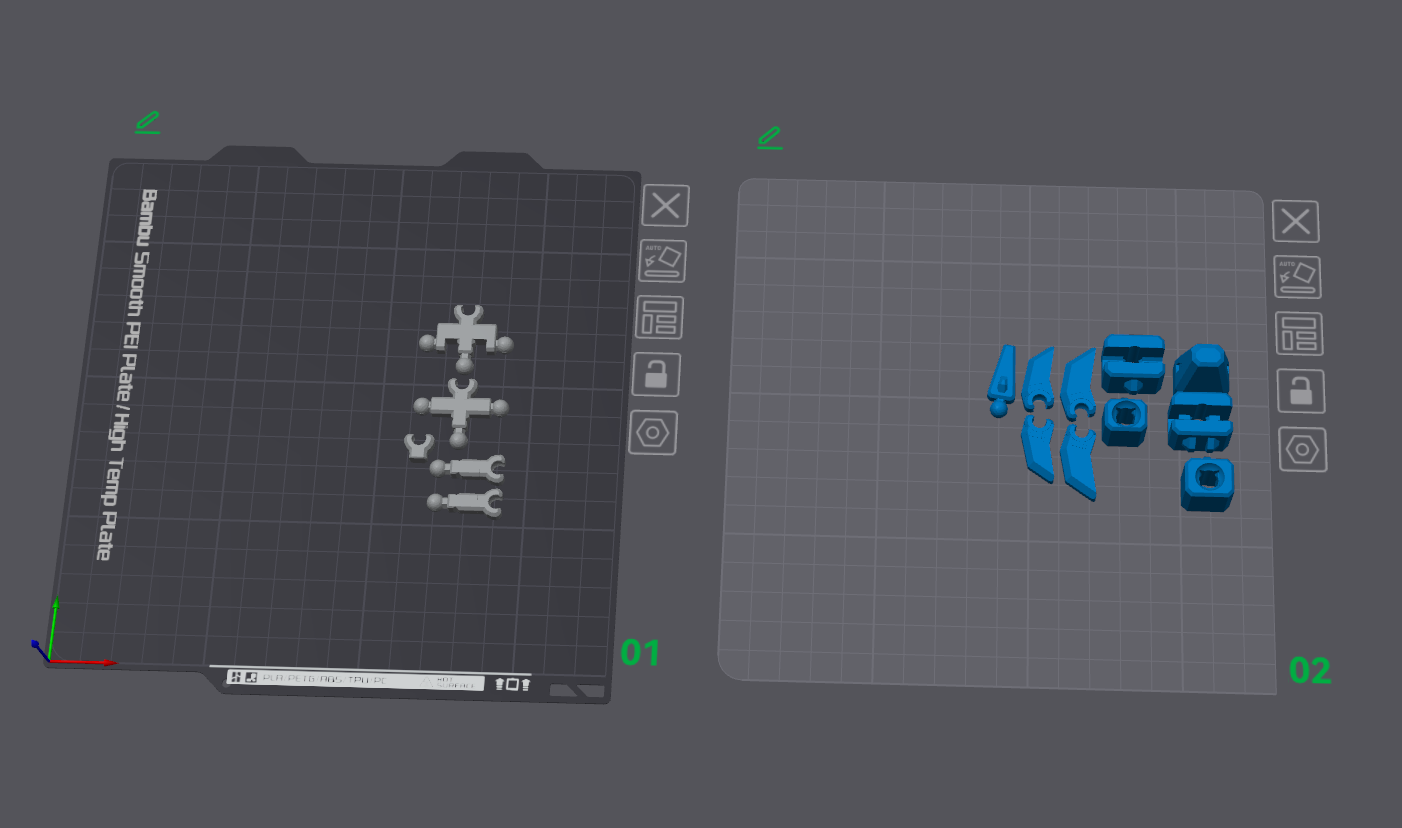
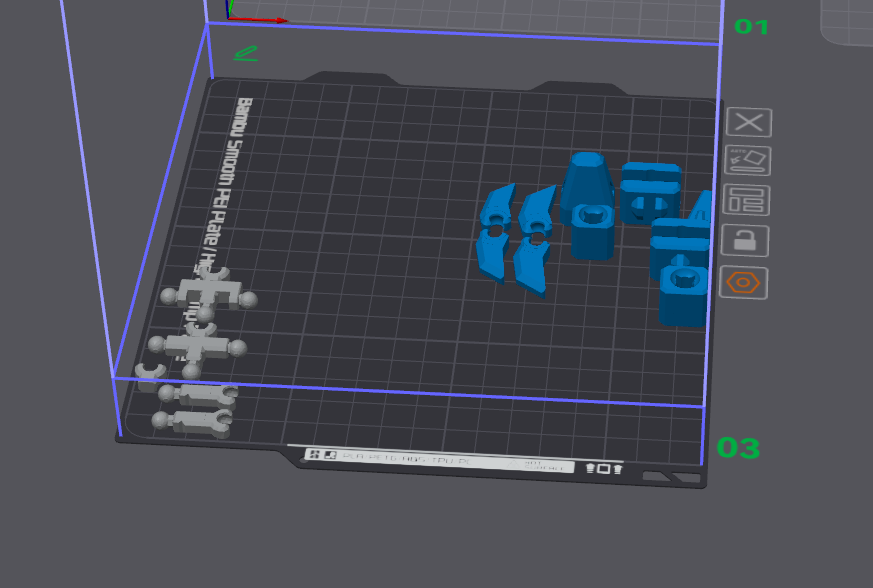
By selecting all the parts of one colour, right-clicking and merging, we can put these parts onto one plate with Print by Object.
WARNING
The only downside to this is that there is less space on the build plate with this option. The print head needs clearance space around each object to avoid crashing into already printed objects. It is worth experimenting, as it will differ in each scenario.