Designing
Creating and editing models can be done with MakerLab, Tinkercad or Autodesk Fusion.
SVG images on models
SVG images can be imported into the slicer for placement on the model you are printing. To convert a PNG to an SVG, use https://www.pngtosvg.com/ — it may be worth making the image transparent before converting.
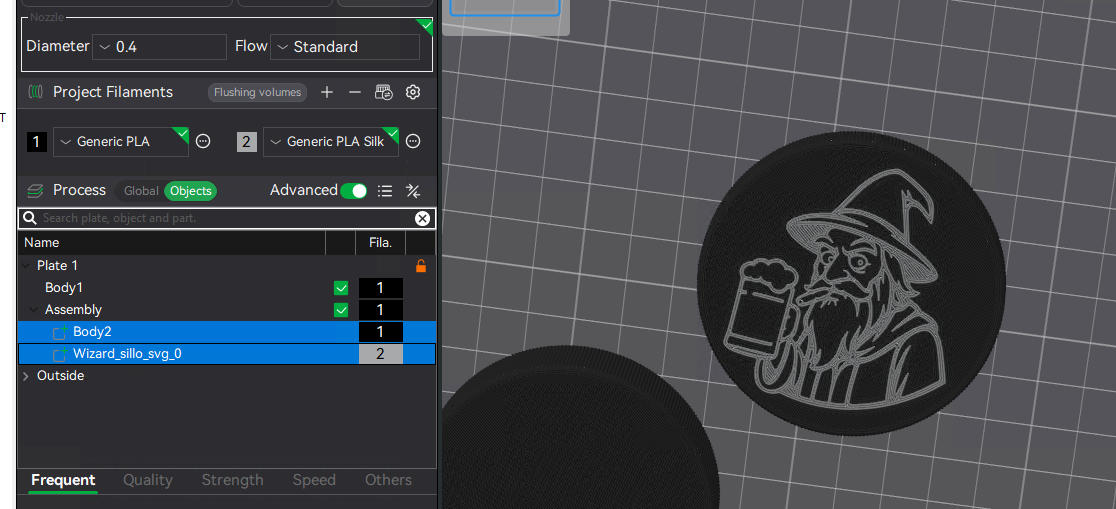
When adding an SVG to Bambu Studio Slicer, hold SHIFT and drag a box around the two objects, right‑click and MERGE. This resolves all conflicting G‑codes.
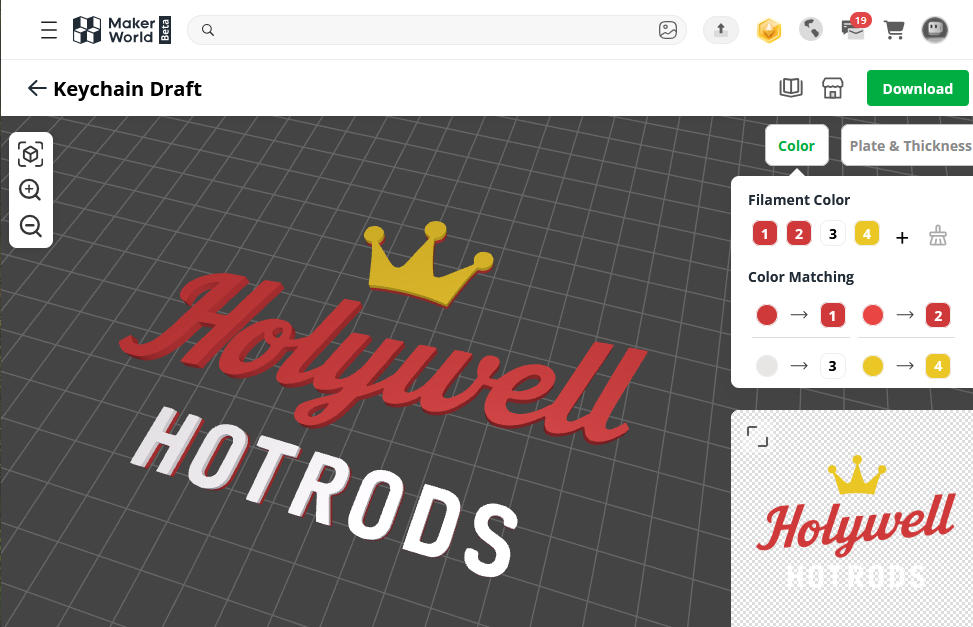
Alternatively, MakerWorld now has a Maker Studio section. This allows you to make various models like coasters, hangers, etc. https://makerworld.com/en/makerlab
If you use the Image to Keychain lab, you can save the PNG you upload as an SVG and import that into other models within MakerLab.