Seam
TIP
The current version of Bambu Studio uses Scarf seams as the default, which hides the seam well compared to the traditional seam.
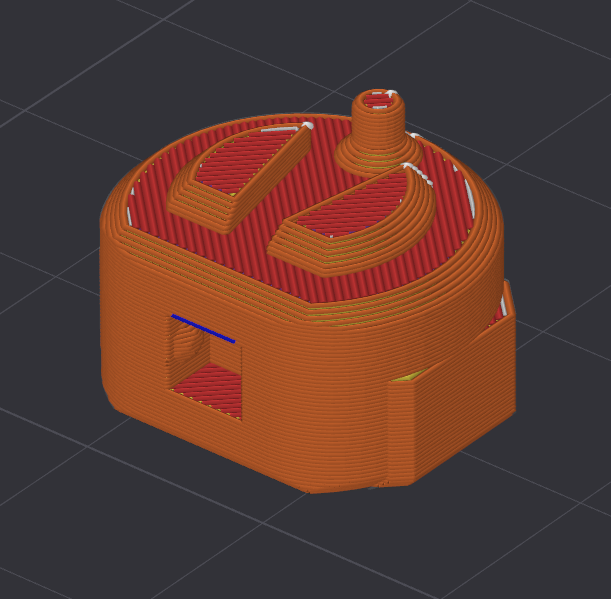
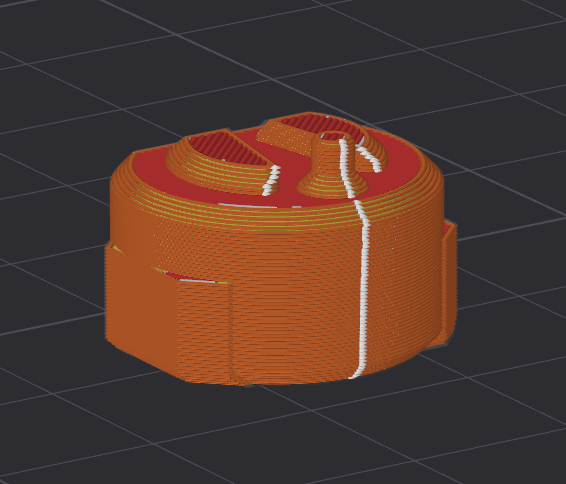
When printing a model, the seam can be moved in the slicer. You will see a white line from the bottom to the top of the model when sliced. This is where the printer starts and stops at every layer and can cause a slight visual defect.
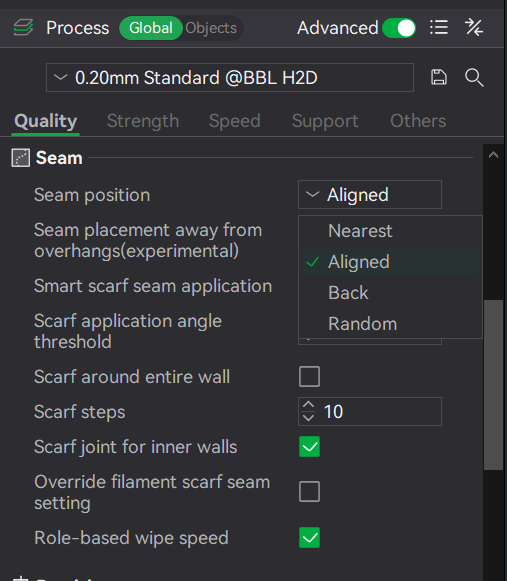
The default is "Aligned", and it tries to find the best place to put seams where you won't see them by aligning the seam with corners. In the example picture below, you can see the white dots showing where the seams will be. 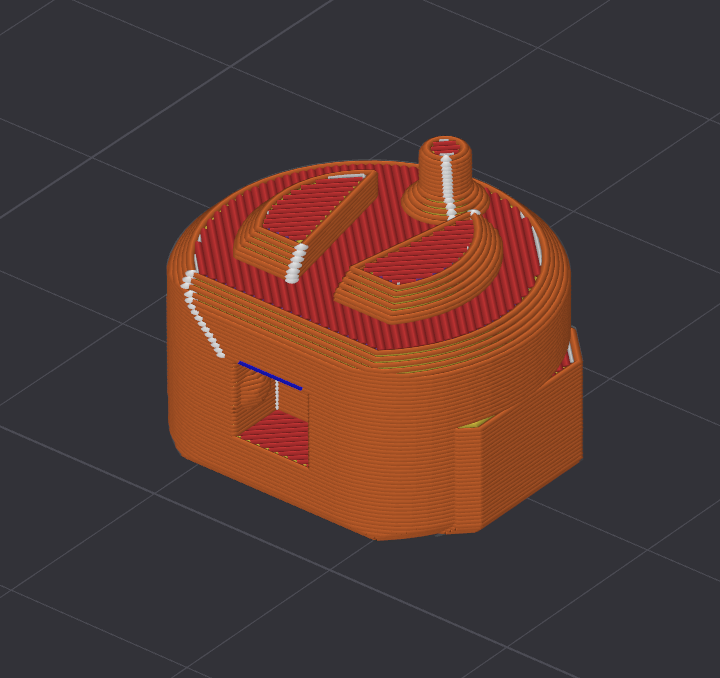
In one section you can see the seams align with a corner, but in the other sections where there are no hard corners, the seam is placed in a line that often faces the front.
By changing the setting to "Back", the slicer will place seams towards the back of the model (towards the back of the printer).