Stringing
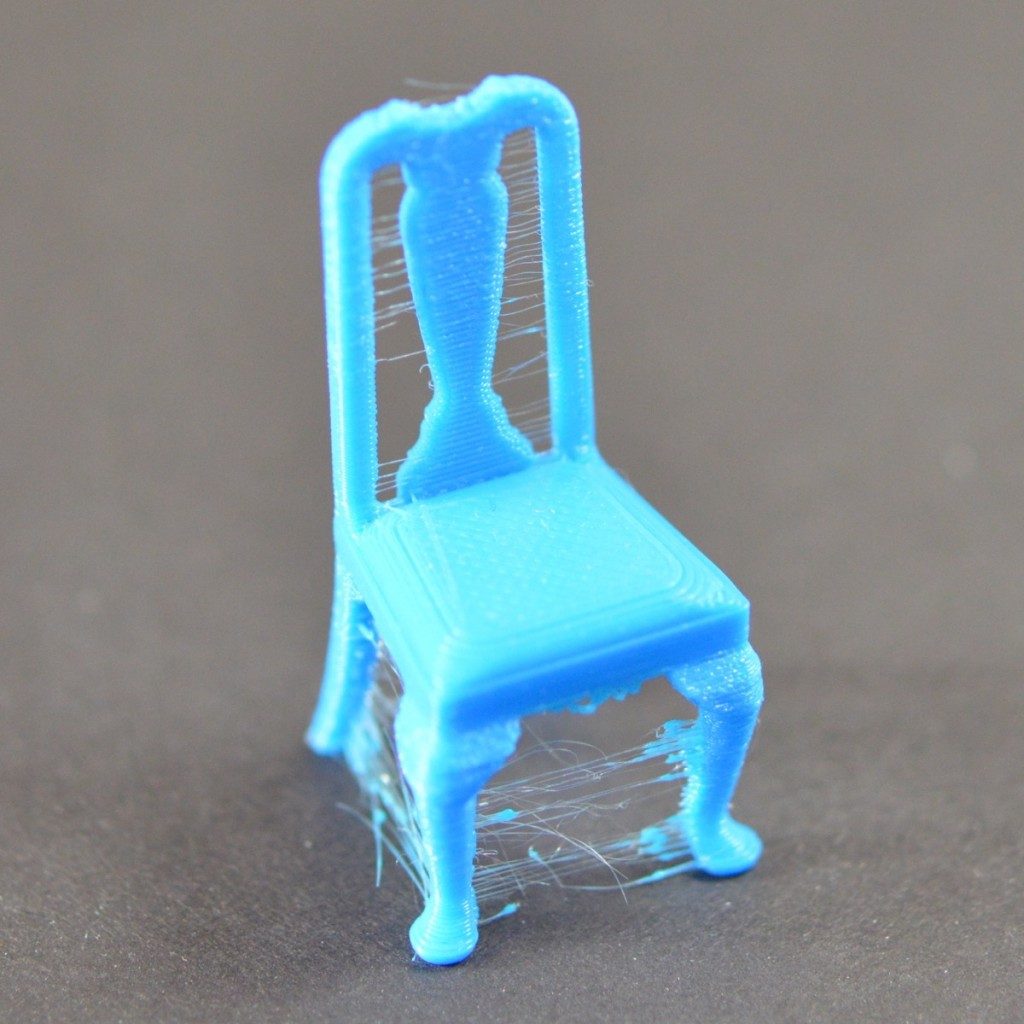
Some models that require the print head to move across open gaps can lead to stringing. The result is fine, hair‑like strands of plastic that stretch between parts of the model.
Stringing is more likely to occur on prints with multiple separated parts, tall thin features, or intricate designs where the nozzle frequently travels over empty space.
Some of this can be resolved by waving a lighter under the stringing to melt away the wispy strands.
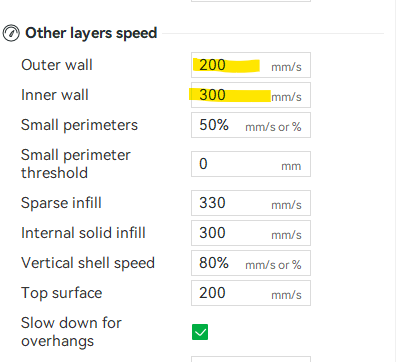
 To reduce stringing with these types of models, you can slow your wall speeds to 100 outer and 150 inner.
Below shows what the default outer layer speeds are usually set to. For most models, this should be fine and only changed if the model is at high risk of stringing.